
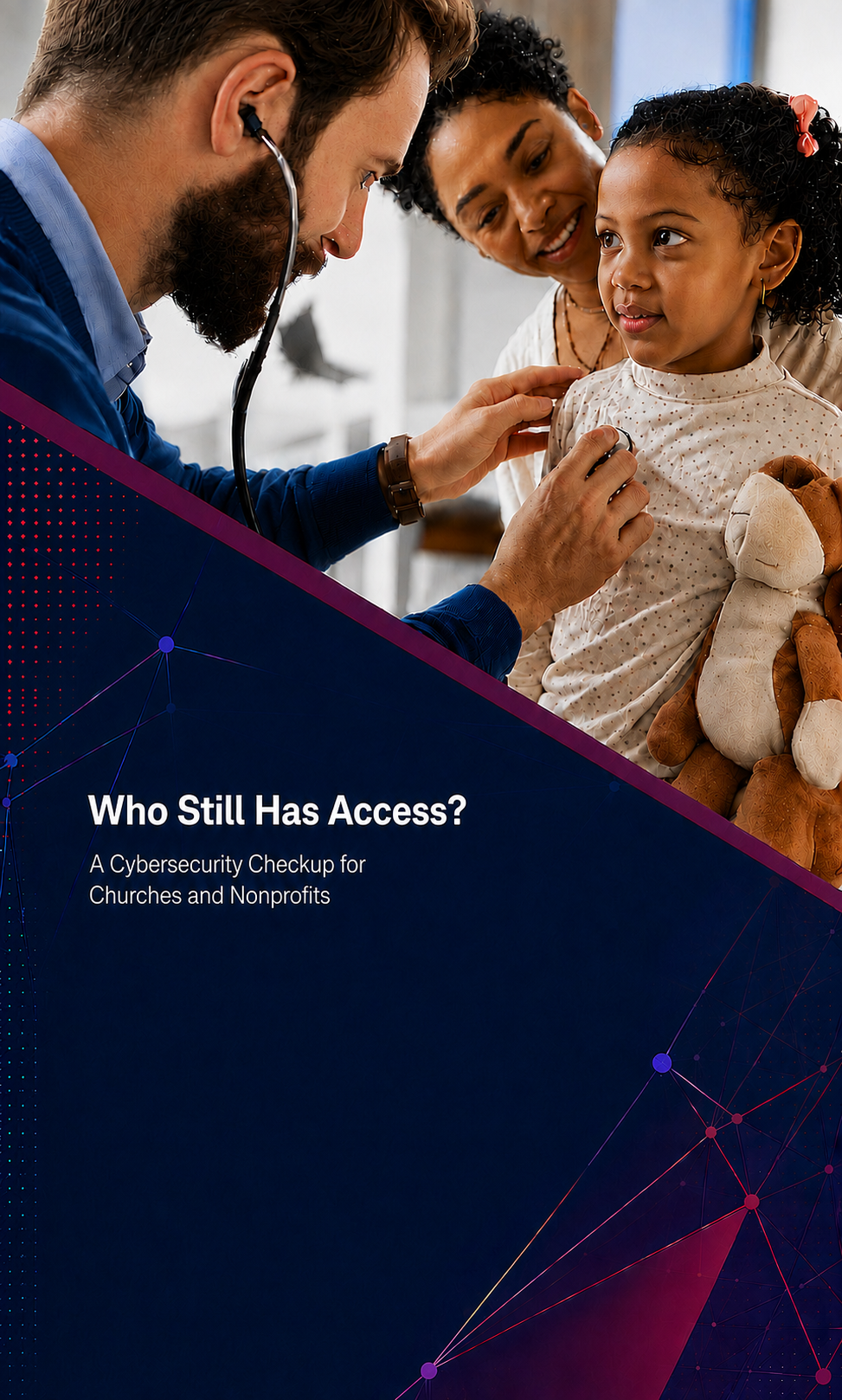
Who Still Has Access? A Cybersecurity Checkup for Churches and Nonprofits
By Mary Beth Foster, Vice President and Corporate Secretary
In the first two articles in this series, we explored why cybersecurity starts with people and why identity should be at the center of access decisions. Together, these ideas lead to an important question for every church and nonprofit: Who still has access?
Employees, volunteers, board members, ministry leaders, vendors, and technology providers may all need access to organizational systems. But roles change, projects end, and people move on. Accounts and permissions can remain active long after they are needed, creating unnecessary risk. Reviewing access regularly is both a cybersecurity practice and an act of stewardship.
Are you ready to start? The following action items outline an easy to execute plan for a full cybersecurity checkup:
1. Once each quarter, set aside time to review the following:
- Critical systems: List email, banking, accounting, payroll, donor management, cloud storage, social media, website, and other systems containing sensitive information.
- Account owners: Confirm that every account belongs to a current employee, volunteer, leader, vendor, application, or device with a legitimate need.
- Permissions: Apply least privilege by giving each identity only the access required for its current responsibilities.
- Multi-Factor Authentication: Require multi-factor authentication whenever it is offered, especially for high-risk accounts such as administrator accounts, and for email, financial systems, donor databases, cloud storage, and social media.
- Shared logins: Replace shared credentials with individual accounts whenever possible so activity can be tracked and access can be removed promptly.
- Vendors and automation: Include bookkeepers, IT providers, software integrations, service accounts, and other non-human identities in the review.
2. Make Access Part of Every Transition
Create simple checklists for onboarding, role changes, and departures. Assign an owner for each critical
system and define who can approve access. When someone changes responsibilities or leaves the
organization, update or disable access immediately rather than waiting for the next quarterly review.
3. Protect the Mission Through Better Access
A people-first culture encourages everyone to take responsibility for security. An identity-first approach ensures access follows verified roles and needs. A regular access review brings both ideas into daily practice, helping churches and nonprofits protect their people, resources, relationships, and mission.
In Conclusion
Together, these three articles highlight a practical approach to cybersecurity: place identity at the center of access decisions, build a people-first culture, and regularly review who—or what—can access your systems. To learn more about protecting your organization’s information, join TPF and our partners at RoundTable Technology for the on-demand webinar, Empowering Nonprofits: Safeguarding Data and Harnessing AI for Good.
CLIKC HERE TO REGISTER AND VIEW THIS WEBINAR!

Connect with TPF
Our experienced team is ready to help build a financial strategy tailored to your needs.

6100 Colwell Blvd., Suite 250
Irving, Texas 75039
Phone:
1-800-955-3155
214-522-3155
Fax:
214-522-3157


©2025 Texas Presbyterian Foundation. All rights reserved.
Phone:
1-800-955-3155
214-522-3155
Fax:
214-522-3157
6100 Colwell Blvd., Suite 250, Irving, Texas 75039
©2025 Texas Presbyterian Foundation. All rights reserved.